Opening: The Hidden Traffic Jam at the Front Door
Your front desk sets the pace for your entire business. Reception Desks decide the first seven seconds of trust in a lobby. Picture the Monday rush: guests stack up, phones ring, and a luxury reception desk that looks stunning still struggles to move people along.

Here’s the data point most teams overlook: people form an impression in under 7 seconds, and each extra 30 seconds in line can raise stress levels and slash patience. In other words, slow throughput hurts before the conversation even starts. The scenario is simple—one agent juggling check-ins, unclear wayfinding, and a pinch point where bags, strollers, and badge scans all collide. Add a ringing handset and a delivery trolley, and your flow is toast (been there, right?). So the better question is: how do we design the front to absorb peaks, protect privacy, and keep motion smooth?
Direct answer: we need to compare what looks premium versus what operates like a system. Think queue management, clear ingress/egress, and surfaces that support scanning, signing, and speaking—without a tangle of wires. Let’s unpack the real blockers before we talk finishes.
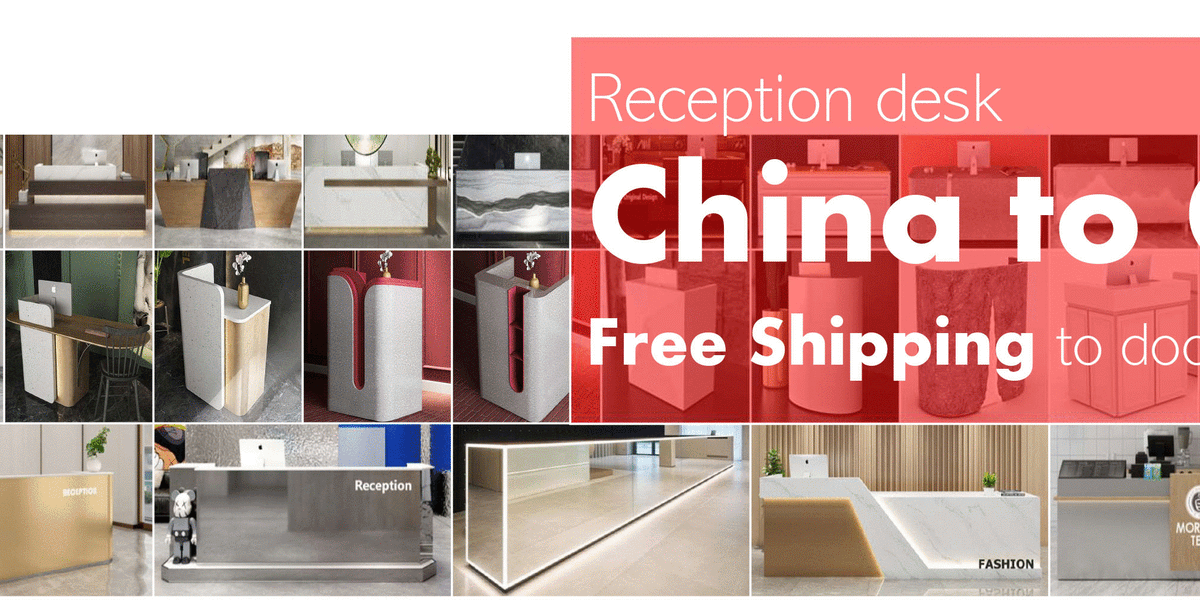
Under the Surface: Why Premium Counters Still Cause Bottlenecks
Where’s the friction?
Let’s get technical for a moment. Many “flagship” counters fixate on materials but ignore operations. Sightlines get blocked by tall fronts, which forces staff to sit or stand awkwardly. Guests bend, lean, repeat. That’s lost seconds on every handoff. Traditional millwork also forgets the guts: cable management for scanners and POS, ADA clearance at the knee space, and a load-bearing frame that still allows quick access panels. If a power supply hides behind a glued panel, a simple swap of power converters or LED drivers can eat an afternoon—and your queue balloons.
Then there’s noise. Stone tops bounce sound back. Conversations become public by accident. That means longer back-and-forth, a risk to privacy, and more mistakes. Look, it’s simpler than you think: design for the workflow first, finish second. Create zones for greeting, input, and handoff. Keep devices within a “reach arc,” not scattered across corners. Build service lanes for staff so two associates can cross without a shoulder check—funny how that works, right? When a desk looks premium but acts like a barricade, you’ve paid for friction. The fix starts by auditing the micro-motions of a single check-in and by cutting anything that does not serve speed, clarity, or comfort.
Forward Options: Tech Principles That De-Stress Your Front Desk
What’s Next
Now the comparative view. Old counters are furniture; new counters are systems. The upgrade path isn’t magic—it’s modular. Use removable raceways for clean cable management and snap-in ports that reduce MTTR (mean time to repair). Pair low-glare lighting with acoustic laminates so voices stay private without raised volumes. Add small sensor cues to balance lines, or run check-in tablets tied to edge computing nodes for fast, local authentication. If you need high face-to-face capacity, consider an u shaped reception desk to shorten staff footsteps and create a “wrap” that separates greet, verify, and resolve. Compared with a straight run, the U can cut turn time at peak because each side handles a specific task flow—no one reaches across the chaos.
Bring in real-world logic, too. Specify swappable power converters under a ventilated bay, not wedged near heat loads. Map zones for ADA-compliant knee clearance and discreet bag set-downs. Keep signage integrated but flexible, so events or policy updates don’t require a reprint every week. For contact points, favor rounded edges and a slight privacy rise at the writing surface. The result? Lower dwell times, fewer repeats, and calmer staff. Different finish package, same principles. And yes, semi-formal is fine here—we’re designing for people, not a photo shoot.
To recap without repeating: prioritize flow over flash, build for serviceability, and tune sound as much as light. If you’re choosing among options, use three simple metrics. Advisory close-out: 1) Peak-throughput target (guests processed per 10 minutes). 2) MTTR for critical components (minutes to swap a device or cable). 3) ADA and privacy performance (clearance plus speech privacy at normal voice). Track those, and the right choice becomes obvious. For teams that want a deeper spec review or layout comparison, a steady partner helps—M2-Retail.