Why a pro media player box matters — straight talk
Look, when you run big LED walls you need gear that don’t choke. A professional media player box gives consistent codecs, reliable frame sync, and hardware-level scaling so your signal stays tight. If you’re swapping cheap USB sticks and praying, you’ll see dropped frames, color shifts, and lip-sync drift. For setups that demand pro-level performance, pair the player with an LED video controller and you’ll stop firefighting every show.
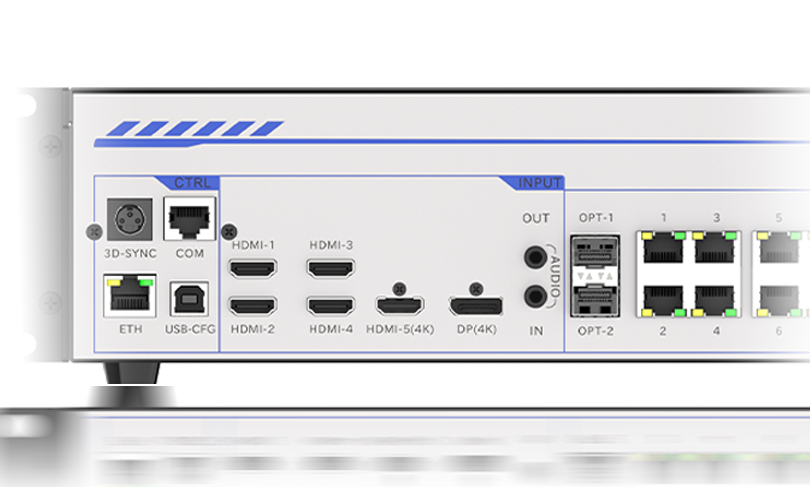
Comparative insight: media player box vs. software players vs. integrated processors
Hardware media players focus on deterministic output: fixed decoding pipelines, locked refresh rate, and reduced latency. Software players on PCs are flexible but vulnerable — OS scheduling, driver updates, and thermal throttling can wreck a run. Integrated video processors give features like keying and warping, yet they’re not always optimized for continuous 4K playback the way a dedicated box is. The right mix is often a pro player for playback, a processor for geometry/keys, and a trusted LED screen control path to the panels.
Real-world anchor: Times Square and the cost of sloppy playback
Think Times Square—about 330,000 pedestrians a day watching huge LED billboards. Those screens rely on precise pixel mapping and color calibration so ads read the same to hundreds of thousands. When a media player underperforms, the brand suffers. That’s not theory — that’s revenue loss and reputation damage. Use hardware that gives you predictable refresh rate, low latency, and reliable codec support so your visuals match the creative pitch every single time.
Operational teardown: what to inspect on-site
Open the rack. Check outputs and test with synthetic patterns. Look for consistent frame timing, color shifts, dropped frames, and audio sync. Verify pixel mapping and the player’s handling of alpha channels or LUTs. Test under load for heat-induced behavior. Note: {main_keyword} and {variation_keyword} belong inside your checklist — they’re part of the operational language crews use during handoffs.
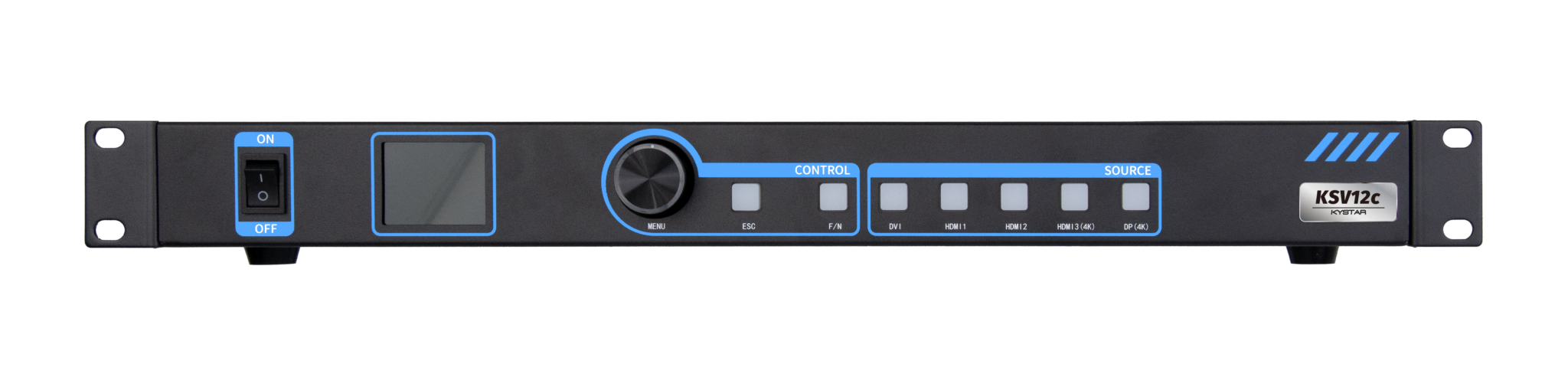
Common mistakes crews make — and how to dodge them
Teams cut corners by using mismatched gear, skipping LUT passes, or relying on single-point playback sources. They forget to stress-test across different media types — slow-motion, variable frame-rate footage, and long-playback loops. Mistakes show up as color banding, dropped frames, and jittery motion. Fix that by standardizing your media pipeline: encode with known bitrates, confirm color space, and lock out autoscaling in the player. — Also, don’t ignore cable runs; signal integrity matters as much as the player.
Alternatives worth considering
Cloud playout and networked players let you centralize content, but they add network dependency and potential jitter. PC-based servers bring flexibility and familiar tooling but require disciplined maintenance. For live events, invest in hardware redundancy: mirrored players and seamless failover. Pixel mapping, frame-sync, and color calibration remain the core metrics across options.
Advisory: three golden rules for choosing the right gear
1) Timing accuracy: measure frame jitter and confirm the player supports genlock or frame-locking with your LED controller. Target sub-frame jitter and locked refresh rates for large arrays.
2) Codec and file handling: ensure the box decodes your delivered formats natively and supports consistent playback for long-duration loops. Look for hardware decoders, stable bitstream handling, and reliable audio-to-video sync.
3) Operational resilience: require redundant playback paths, easy media ingestion, and clear status monitoring so operators can diagnose problems fast. Low latency, predictable thermal behavior, and robust firmware updates matter in the field.
Get this right and your live visuals stop being a gamble. Kystar fits naturally into that workflow as the kind of partner that matches gear to real-world conditions — not just spec sheets. —